
✦ Works with IBO Player & IPTV Smarters Pro
Strong8K IBO: IPTV Subscription for IBO Player & Smarters Pro
Strong8K IBO supplies the IPTV subscription; your player app displays it. Add your login details to IBO Player, IPTV Smarters Pro or another compatible player to watch live TV, movies and series on your devices.

Works on Smart TV, Fire TV, Android TV, iPhone, iPad, Windows and Mac.










Strong8K IBO plans at a glance
Four durations, one service: choose how long you want access and how many screens you need.
1 Screen
2 Screens
Essential
1 month
20€
9,99€
Included
✓ 1 Screen
✓ 40,000+ international channels
✓ 30,000+ series & movies
✓ HD / Full HD / 4K quality
✓ For IBO Player, Smarters & more
✓ Smart TV, Android, iOS, PC, TV box
✓ Step-by-step setup guides
✓ Multilingual customer support
✓ Activation after payment
Comfort
3 months
40€
16,99€
Included
✓ 1 Screen
✓ 40,000+ international channels
✓ 30,000+ series & movies
✓ HD / Full HD / 4K quality
✓ For IBO Player, Smarters & more
✓ Smart TV, Android, iOS, PC, TV box
✓ Step-by-step setup guides
✓ Multilingual customer support
✓ Activation after payment
Advanced
6 months
60€
24,99€
Included
✓ 1 Screen
✓ 40,000+ international channels
✓ 30,000+ series & movies
✓ HD / Full HD / 4K quality
✓ For IBO Player, Smarters & more
✓ Smart TV, Android, iOS, PC, TV box
✓ Step-by-step setup guides
✓ Multilingual customer support
✓ Activation after payment
★ Most popular
Premium
12 months
100€
39,99€
Included
✓ 1 Screen
✓ 40,000+ international channels
✓ 30,000+ series & movies
✓ HD / Full HD / 4K quality
✓ For IBO Player, Smarters & more
✓ Smart TV, Android, iOS, PC, TV box
✓ Step-by-step setup guides
✓ Multilingual customer support
✓ Activation after payment
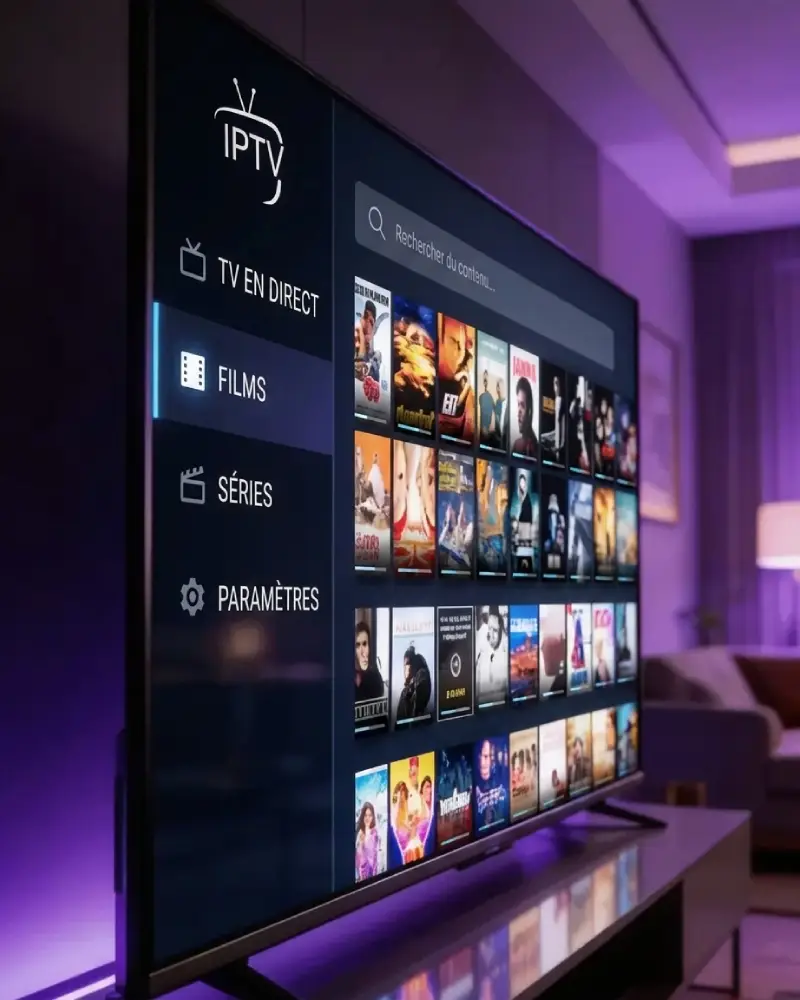
Guided Setup, From Order to First Channel
Setup help is part of the service: clear activation steps by email, written guides for each device, and WhatsApp support if a playlist does not load.
What a Strong8K IBO Subscription Includes
Everything you need to start watching, and the same support at every renewal.
Live TV, Movies & Series
Live channels and a library of movies and series, delivered in one playlist.
Works with IBO Player & Smarters
Use your Xtream Codes or M3U link in IBO Player, IPTV Smarters Pro or another compatible app.
On All Your Screens
Smart TV, phone, tablet or computer, on one or two screens depending on your plan.
Player App or Subscription: What Is the Difference?
IBO Player and IPTV Smarters Pro are player apps. They are made by third-party developers, not by Strong8K IBO, and contain no channels of their own: a player only shows the playlist you add to it.
Strong8K IBO is the subscription. It provides that playlist as Xtream Codes login details or an M3U link. Some players, such as IBO Player, also charge their own activation fee after a trial; that fee goes to the app publisher and is separate from your subscription.
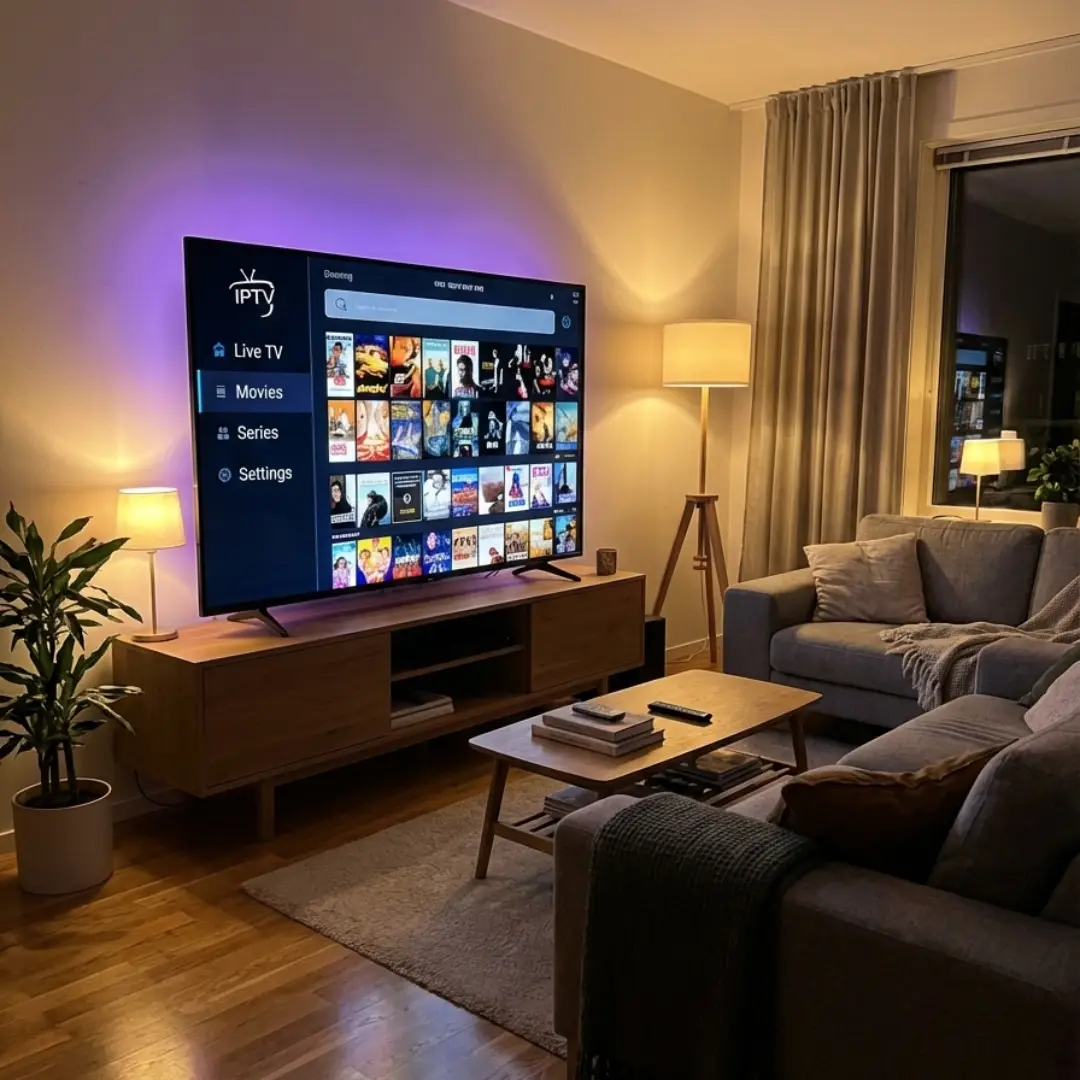
How to Start in Three Steps
Once your login details arrive, setup usually takes a few minutes.
1
Choose Your Plan
Pick a duration and one or two screens. Prices and details are on the subscription page.
2
Receive Your Login Details
We email them after your order is approved and payment is confirmed, with instructions for your player.
3
Add Them to Your Player
Enter the details in IBO Player, Smarters Pro or another compatible app, and your channels load.
What Our Customers Say
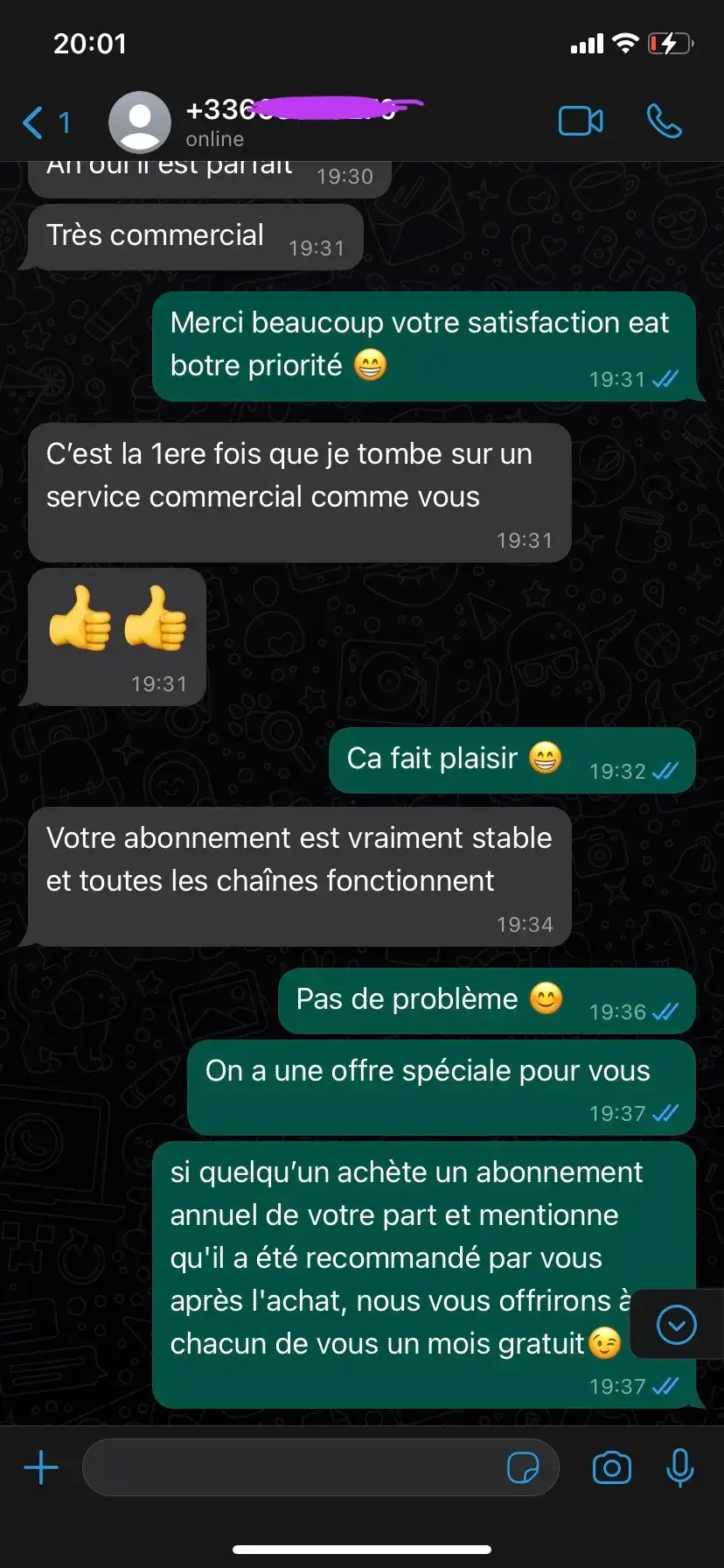
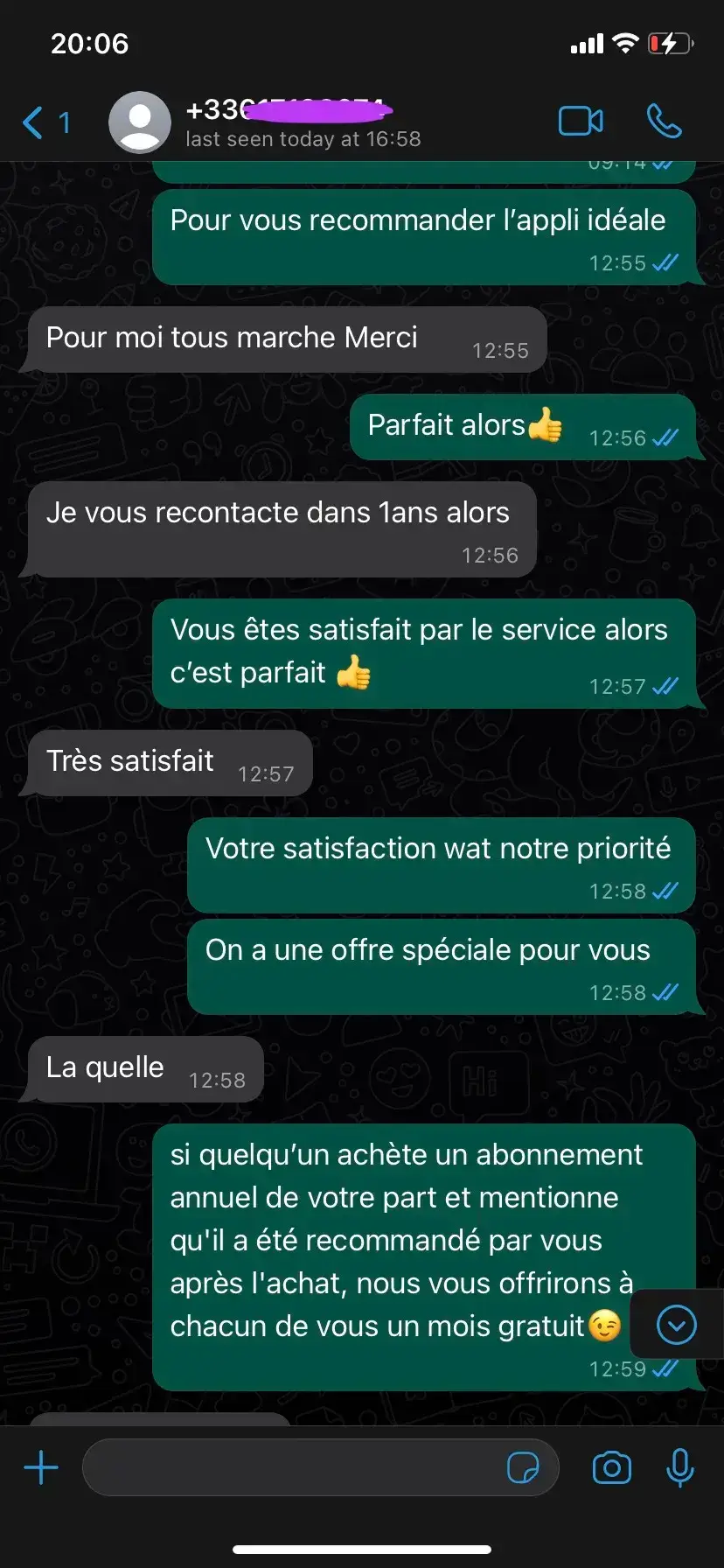
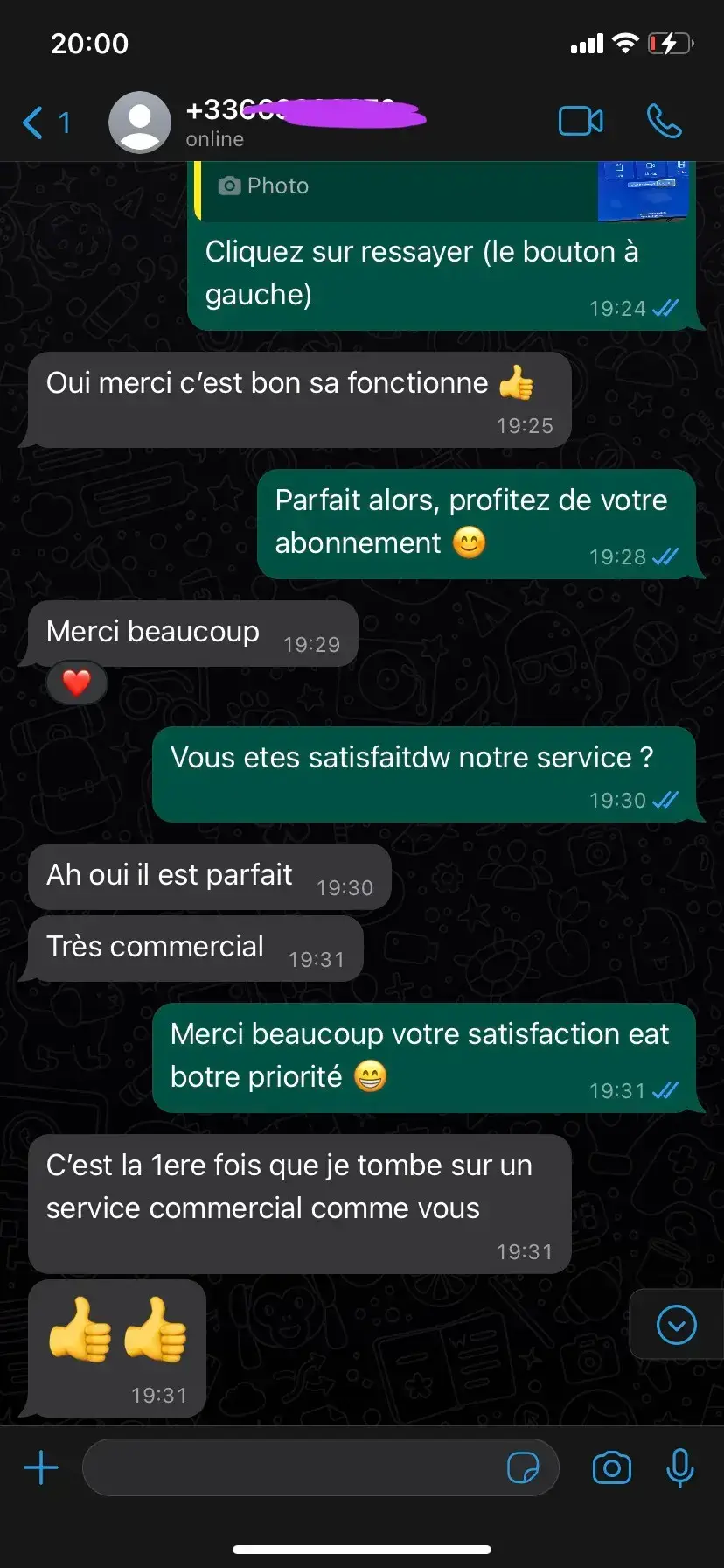
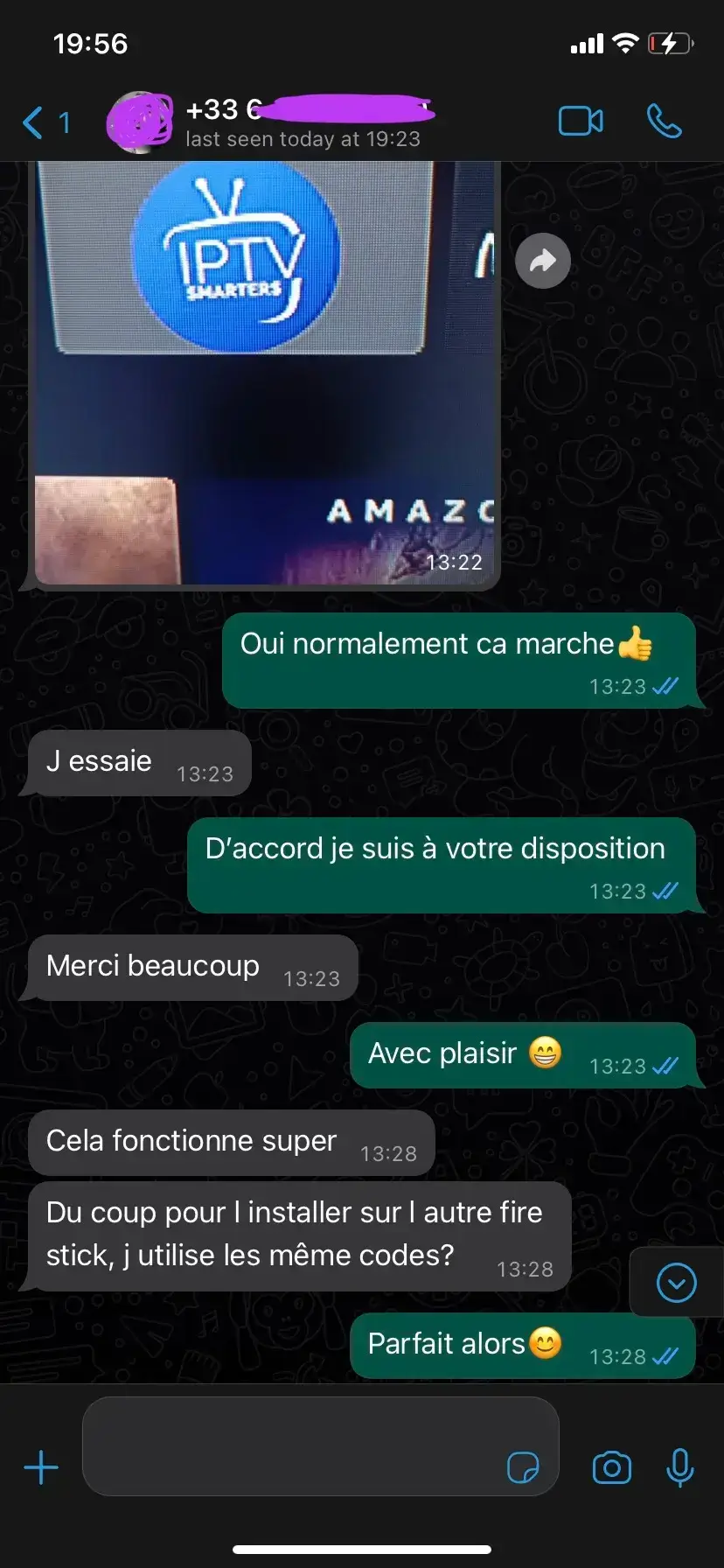
Screenshots of real conversations with our WhatsApp support.
Frequently Asked Questions
Short answers about player apps, login details, devices and getting started.
See Strong8K IBO plans →Ready to Choose Your Plan?
The player displays, the subscription supplies. Compare durations and screen options on the next page, then order the plan that matches how you watch.
Four Durations, Two Formats
From one month to twelve, on one or two screens. The same service on every plan.
Works With Your Devices
Smart TV, Fire TV, Android TV, iPhone, iPad, Windows or Mac.
Multilingual Support
Help in several languages by email and WhatsApp, before and after activation.